 PeckList
Self-hosting
Your tasks on your server, with nothing to babysit.
One small server for the whole household: a container or a native program, a single database file, backups on a schedule and an admin page for the rest.
AGPL-3.0, no paid tier insideDocker, Linux or WindowsSQLite or PostgreSQL
docker run -d --name punchlist -p 8080:8080 \
  -v punchlist-data:/data -v punchlist-files:/files \
  registry.gitlab.com/killswitch10/punchlist:latest
docker logs punchlist
Open http://localhost:8080 and sign in as admin with the
password from the log. That is the whole install.
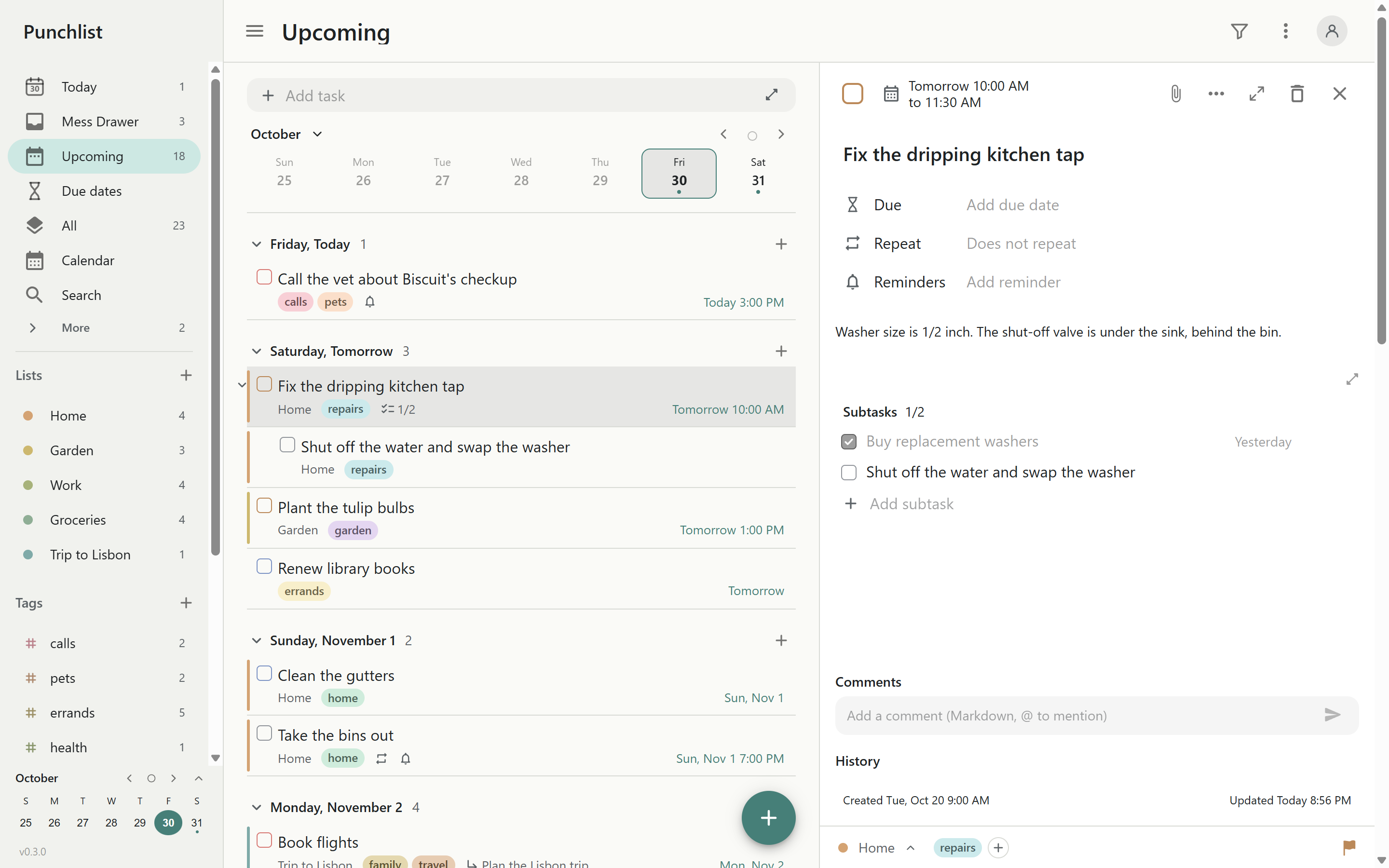
Small and quiet
One process and one database. SQLite by default, so there is no database server to run; PostgreSQL when you already have one.
Fits your homelab
Behind Caddy, Traefik, nginx or a tunnel; single sign-on with the identity provider you already run; a health check for your monitoring.
Your data stays put
Nothing leaves your server but an update check and anonymous daily counts, and each turns off with a setting.
For the person running it
The parts self-hosted apps usually skip.
- Single sign-onAny OpenID Connect provider: Authentik, Pocket ID, Keycloak, Authelia, Entra or Google. Groups decide who gets in and who is an admin.
- Scheduled backupsConsistent snapshots daily or hourly, as many kept as you like, and a restore of the whole server or just one person.
- An admin pagePeople, roles and groups, backups, logs and per-person stats in the browser.
- Settings your wayEnvironment variables, a settings file, or the admin page; it shows which one each value came from.
- Logs you can shipReadable or JSON on the console, rolling files, and log servers; never a password, token or task in them.
-
Monitoring built in
/healthzfor Uptime Kuma or Gatus, the container's own health check, and an audit log of admin actions. - Secure defaultsLocked-out password guessing, a strict Content-Security-Policy, sign-in settings only super admins can change, and client certificates if you want them.
- Email when you want itAny SMTP server, with a test button on the admin page.
Install
Pick how you run things.
Each guide takes you from nothing to a server your family can use over HTTPS.
Docker Compose
The usual homelab way, with the data on volumes and upgrades by pulling the tag.
Then: HTTPS and a reverse proxy · single sign-on · backups · all settings
Apps
Everyone points their apps at your server.
Android
Type your server's address once. Reminders arrive with the app closed, and sign-in goes through the browser so your single sign-on works.
Download the APK or use Obtainium.
F-Droid: coming with 1.0Browsers
Your server is the web app: open its address and install it from the browser menu. It works offline and syncs when it can.
iPhone and iPad
Add your server to the Home Screen from Safari for an app with notifications.